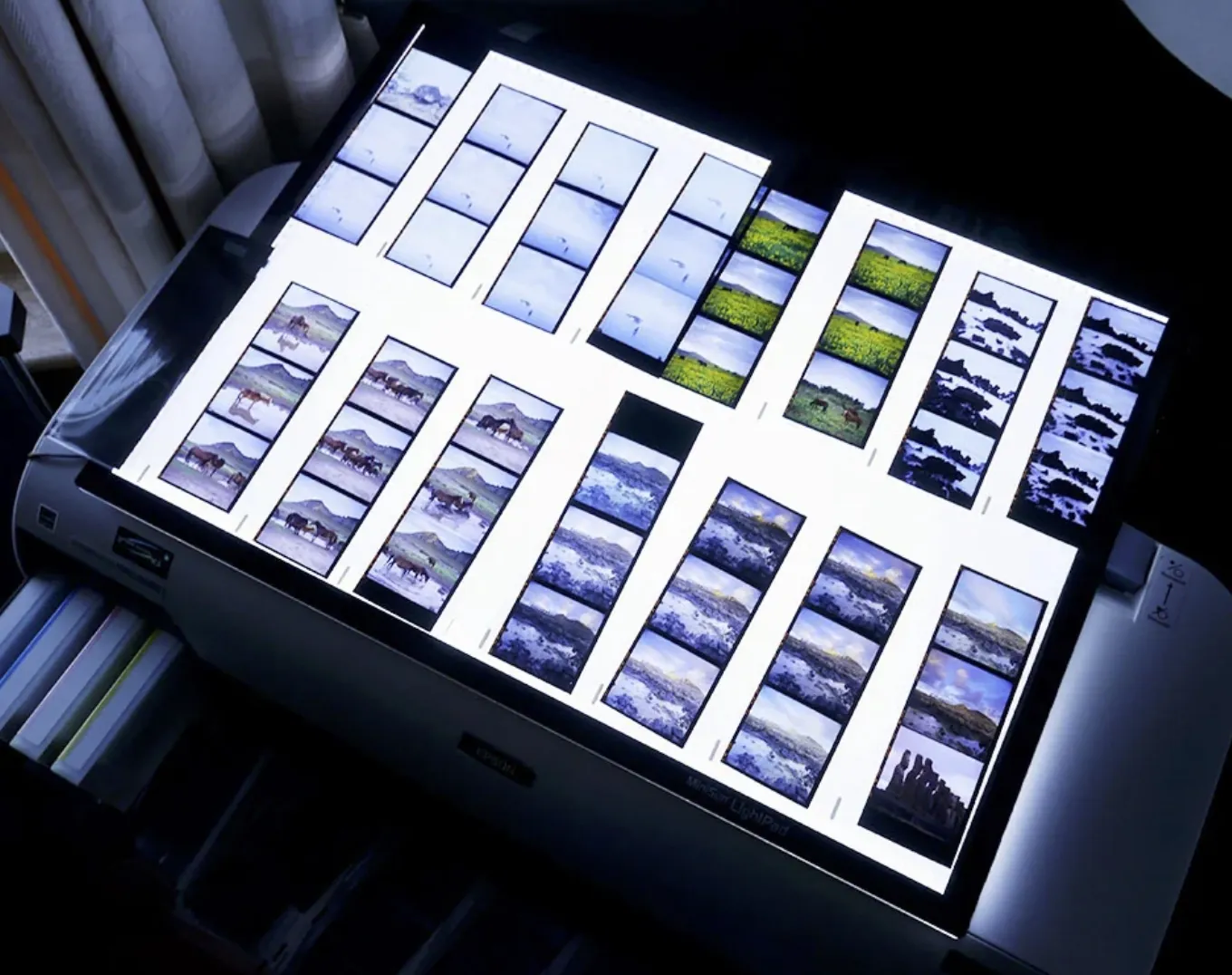
I
product_video
Pro hero landscape demo
iPad/Mac landscape workspace: first pass becomes studio session.
assets_src/product-media/pro/I-pro-hero-landscape.webp
Product 02 · Build · A separate edition
Turn a selection into a project.
A selection is not a project. A project needs structure, context, relationships and meaning. That is what Studio builds.
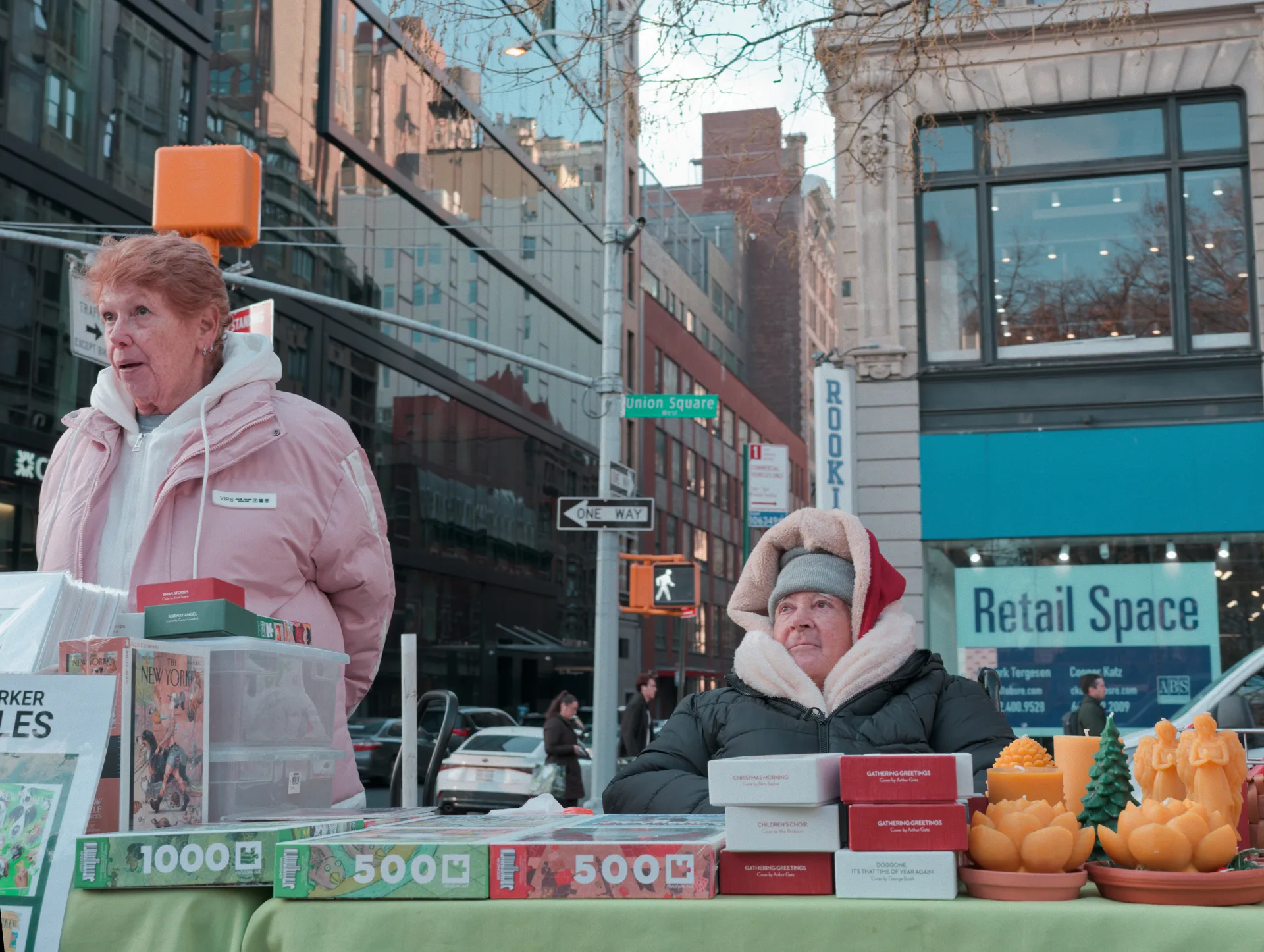 Un après midi à NYC
You finished the selection. The rejects are gone, the keepers remain. Now what? Studio gives the keepers structure, context and meaning — the second moment of your photographic journey. A separate edition that includes Cull Me uP and launches alongside it.
The return-to-studio moment
Cull Me uP Studio is not a bigger phone app. It belongs to the desk, the iPad, the Mac — the quiet second look where chosen photographs become organized work.
Cull Me uP helps you find the keepers. Cull Me uP Studio turns them into a project.
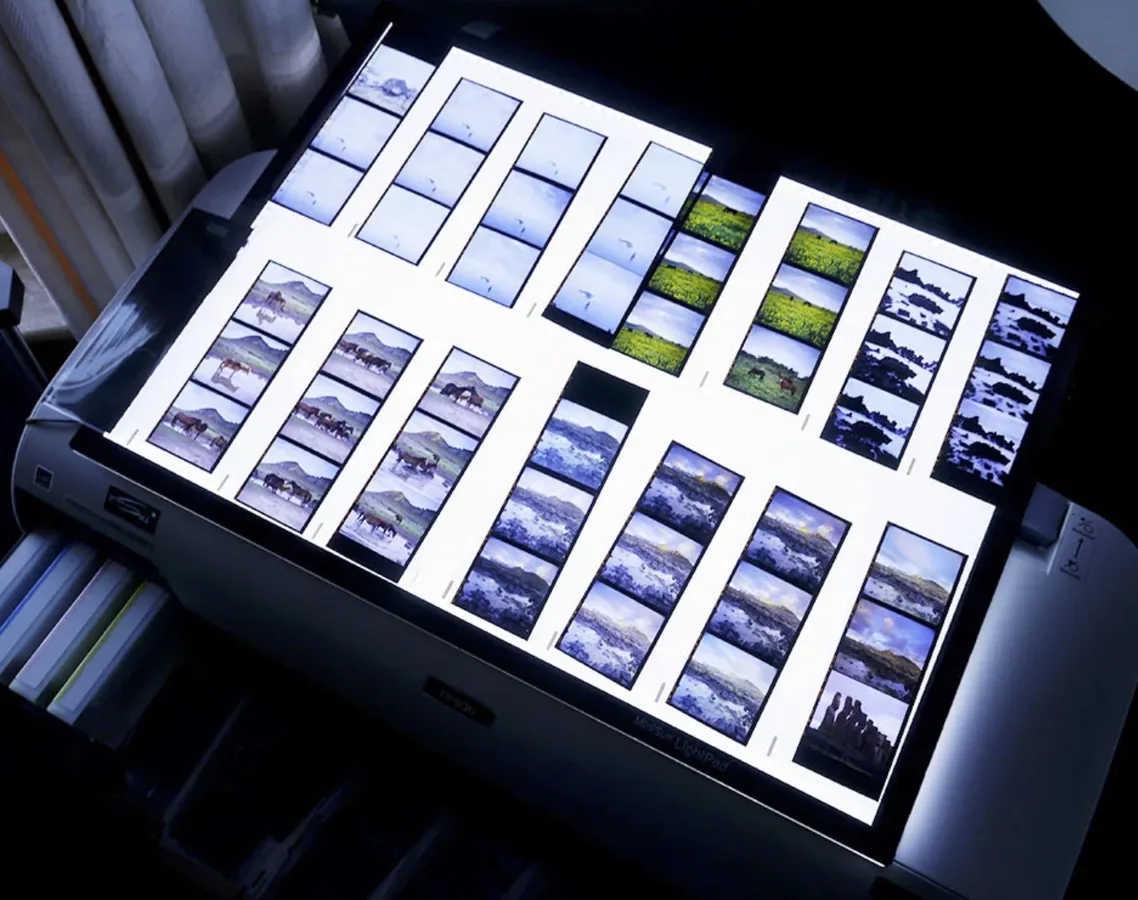
The moment after. For Studio, the real-world reference is the working table: images already chosen, ready to become a project with structure and meaning.
The moment after
Traditional folders show IMG_4312, IMG_4313, IMG_4314. Studio shows a project — Sophie & Marc — with the structure a real body of work actually has.
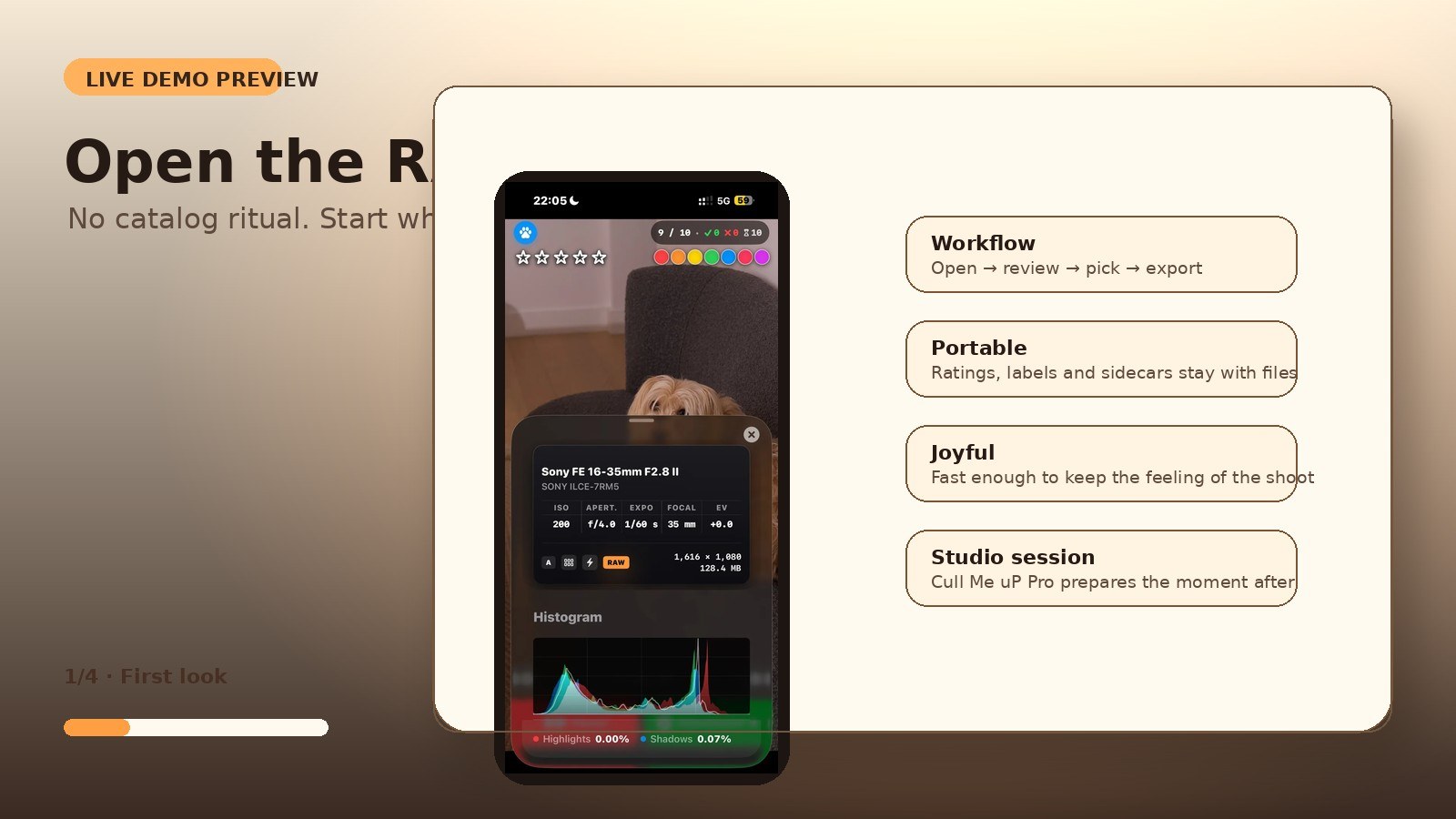
Project intelligence
A photograph has a story, a context, relationships, versions, meaning and a lifecycle. Studio is where a selection gains all of that — the difference between 4,000 files and a body of work you understand.
Studio reads the choices you already made and helps you give them shape: chapters, relationships between frames, versions and the meaning of the work. A project is a constellation of related frames — not a folder of filenames. It does not score your talent. It organizes your project around your eye.

Project constellations
Sophie & Marc is not 504 filenames. It is chapters, relationships and a shape — and Studio makes it visible.
What belongs in the Build moment
Studio should feel like opening the studio table after the first pass — turning chosen photographs into organized, meaningful work.
01 · STRUCTURE
Move from a flat list of picked files to a project with chapters, sections and a story that matches the real shoot.
02 · CONTEXT
A wedding is Preparation, Ceremony, Portraits, Reception — not IMG_4312. Studio carries the context the work deserves.
03 · RELATIONSHIPS
Keep relationships between frames and versions visible, so a body of work stays coherent over time.
04 · POWERED BY NALA
Nala helps organize and surface structure. It never overrides your eye. The photographer decides. Always.
How you get it
Separate edition
The project workspace
Studio is a separate one-time purchase that includes Cull Me uP. Pricing lives on the Compare Editions page.
I stopped thinking in folders. Now I think in projects — and the work finally matches how I actually see a shoot.
Cull Me uP Studio is the moment after selection: structure, context, relationships and meaning. Available alongside Cull Me uP, part of your photographic journey.
Production placeholders
Landscape workspace films, project-structure screenshots, burst review, export preparation and real studio context.
product_video
iPad/Mac landscape workspace: first pass becomes studio session.
assets_src/product-media/pro/I-pro-hero-landscape.webp
product_screenshot
2-up / 4-up comparison with clear picks/maybes.
assets_src/product-media/pro/J-compare-mode.webp
product_video
Burst group review, best candidate marked, alternatives rejected.
assets_src/product-media/pro/K-burst-review.mp4
product_screenshot
Clean editing session export / handoff preview.
assets_src/product-media/pro/L-export-prep.png
reality_photo
Real desk / iPad / Mac / cards / camera environment.
assets_src/product-media/pro/M-studio-desk.jpg
product_video
iPad comfortable Light Table, 2-up/4-up tactile review.
assets_src/product-media/pro/AB-ipad-compare.mp4
product_video
Mac finalization, structured export, handoff to editing software.
assets_src/product-media/pro/AC-mac-workflow.mp4