E
product_screenshot
iPhone hero screenshot
iPhone full-screen image review: Pocket Light Table.
assets_src/product-media/iphone/E-iphone-hero.webp
Product 01 · Pocket Light Table
One image. One decision. Keep moving.
Reject the obvious. Keep the promising. Continue later on iPad or Mac.
A familiar photographic gesture, rebuilt for RAW.
 E100 · 12A
The pocket Light Table is built for momentum: reject the obvious, keep the promising, undo in one tap — in the car, on the train, while the shoot is still in your eye. Fast enough that culling stops feeling like a chore, and starts feeling like looking at your photographs again.
Open. Review.
No import. No preview generation. You open the folder and you're already reviewing.
Technical proof
The reasons the first pass feels instant.
01
Nothing to ingest, nothing to maintain. Point at a folder and go.
02
No waiting for thumbnails to bake. RAW is decoded on the fly.
03
Your files stay where they are. CMP reads them in place.
04
Real RAW decoding; picks, rejects and ratings travel as portable XMP sidecars.
Real scenarios
Not gamer benchmarks — real photographer moments.
47s
First pass
2,418 RAW reviewed, picks kept — before the coffee got cold.
3,800
Wedding day
Frames culled on the train home, while it was still fresh.
61 MP
Sony A7R V RAW
Instant grid, real RAW decode — no preview wait, no import.
0
Conversions
XMP round-trips to Lightroom, Capture One and DxO. Nothing locked in.
Pocket Light Table
Cull Me uP on iPhone is built for one job: the first pass while the shoot is still fresh. Full-screen review, Pick / Reject / Maybe, quick Zoom Check, immediate undo, simple filters and micro-sessions you can finish in a few minutes.
The iPhone is for momentum. It should feel fast, tactile and light: reject the obvious failures, mark the promising frames, then continue with more space on iPad or Mac when the work deserves a deeper look.
Stars and colors are there when needed. The core gesture stays simple.
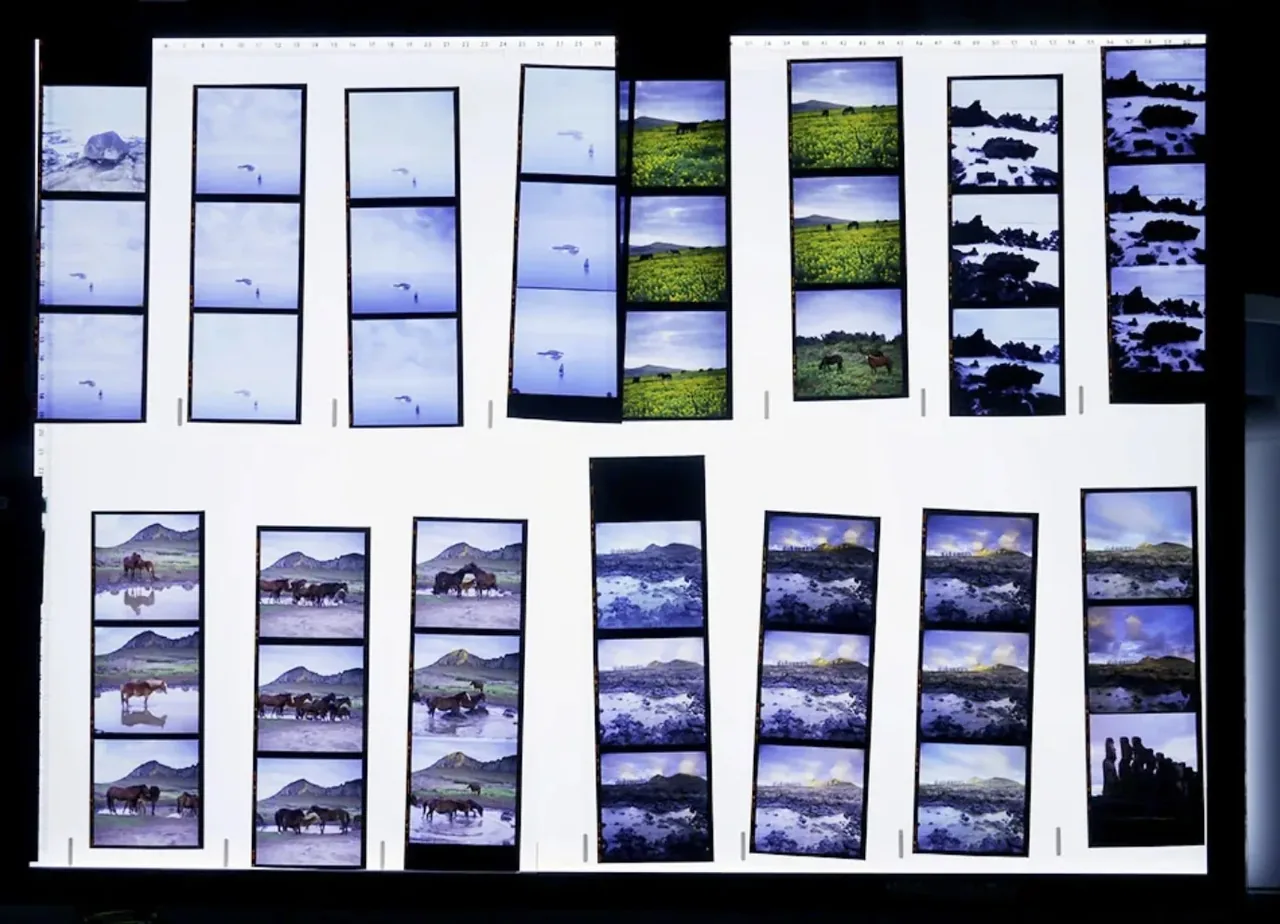
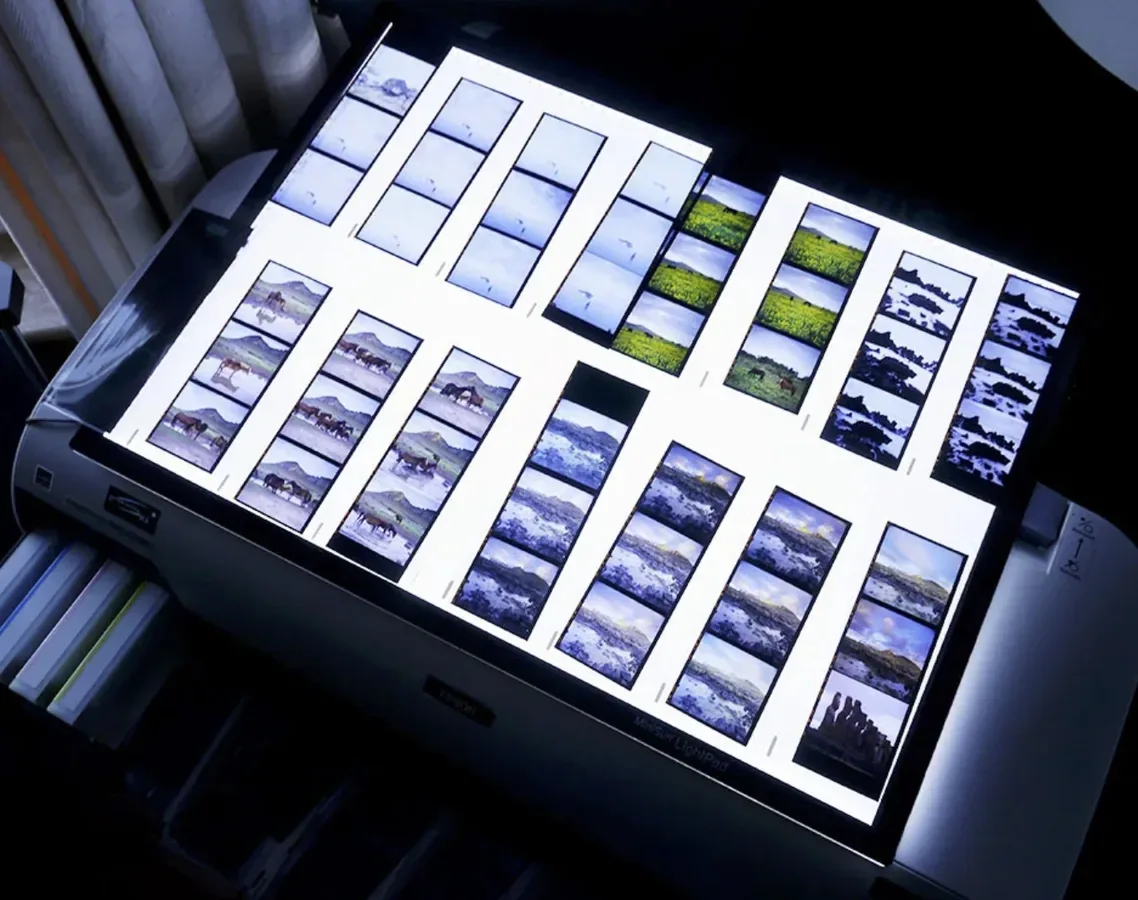
Contact sheet logic. Not a screenshot, not a mockup — a reminder that culling was always a visual act before it became software administration.
From contact sheets to RAW folders
Selection has always started with seeing the work in front of you. Cull Me uP turns the digital folder back into a visual table.
A familiar photographic gesture, rebuilt for RAW.
Open the folder. See the shoot. Move through it with rhythm. Keep your choices portable.
Proof, not promise
A dedicated Performance Lab now collects grid-opening benchmarks and demo slots for real fluidity videos. It belongs here because speed is one of the core Cull Me uP product promises.
See the latest internal benchmarks and demo placeholders on the Performance Lab →.
The table opens
Cull Me uP exists for the first contact with the shoot: the grid, the rhythm, the obvious rejects, the first keepers, the moment when the shoot starts becoming a selection.



Why Cull Me uP exists
The same instinct, finally rebuilt for today: see relationships, compare frames, remove the noise, and let the strongest images emerge.
The faster you can make the first pass, the less likely the shoot becomes another folder you avoid reopening.
Cull Me uP does not pretend to know your taste. It gives you a faster way to apply your own judgment.
When you want it
Launch
Perpetual purchase
Reduced launch price planned
I culled the wedding in the car outside the venue. By the time I got home, the gallery was basically done.
Cull Me uP is for the first pass: fast, visual, joyful selection before the editing software takes over. It comes to the App Store in August 2026.
Production placeholders
Pocket Light Table visuals: full-screen iPhone, Fast Reject, Zoom Check, real photos and micro-sessions.
product_screenshot
iPhone full-screen image review: Pocket Light Table.
assets_src/product-media/iphone/E-iphone-hero.webp
product_video
One image, one reject gesture, immediate undo visible.
assets_src/product-media/iphone/F-fast-reject.webp
product_video
Double tap / quick zoom check without leaving flow.
assets_src/product-media/iphone/G-zoom-check.mp4
reality_photo
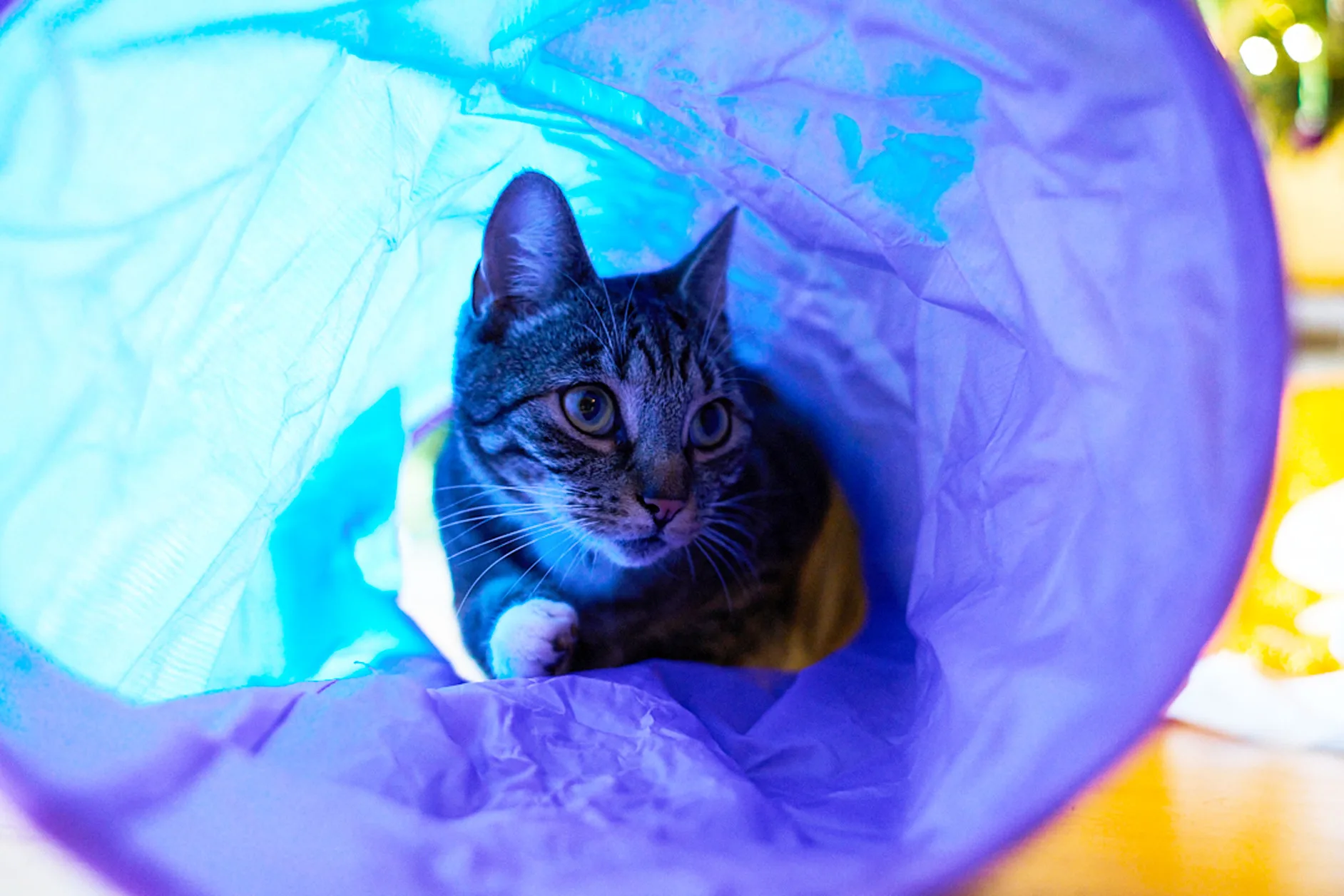
A real image used inside the app, ideally landscape/dog/travel.
assets_src/product-media/iphone/H-real-iphone-photo.jpg
product_video
3-10 minute micro-session concept: continue where you left off.
assets_src/product-media/iphone/AA-micro-session.webp